You can feel when the timing isn't quite working.
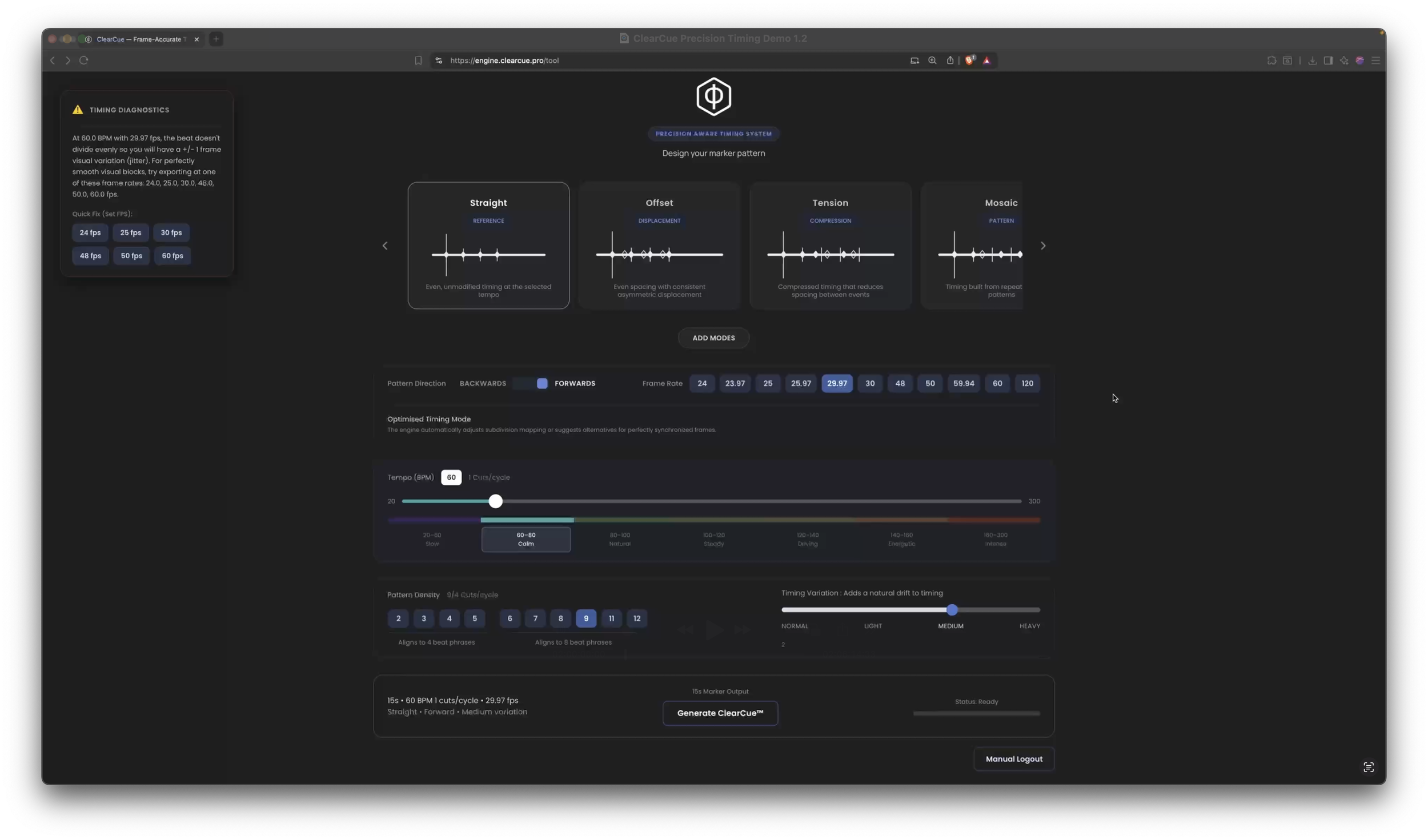
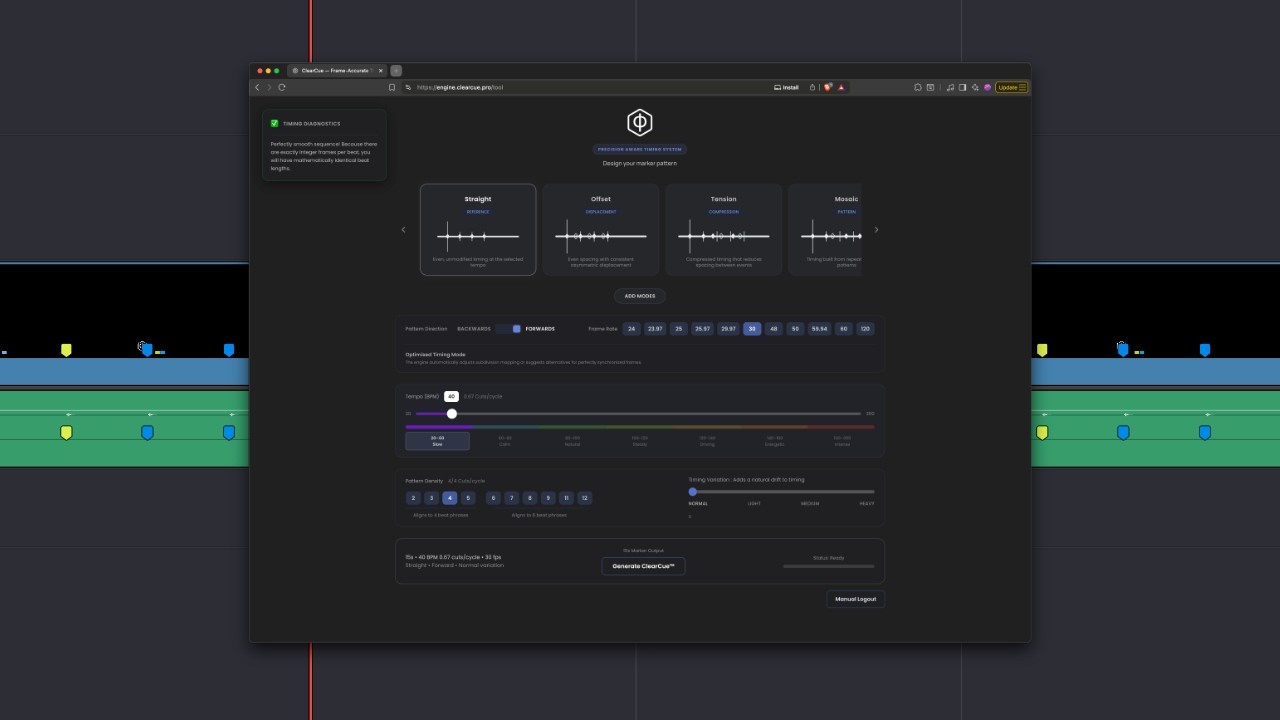
Finding out why can mean a lot of trial and error. FrameFit compares frame rate and musical tempo to show where they align, drift, or conflict, so you can see what's happening before changing the edit.
Why Timing Relationships Matter
See What's Happening
Reveal timing relationships that are difficult to judge from repeated playback alone.
Test Before You Commit
Test timing possibilities before spending time rebuilding the edit.
Break It Deliberately
Once you can see the structure, decide where to follow it and where to depart from it.
Shape Your Timing Quickly.
Create timing clocks for Resolve, combine them to shape your rough cut, then adapt or break from them as the edit develops.
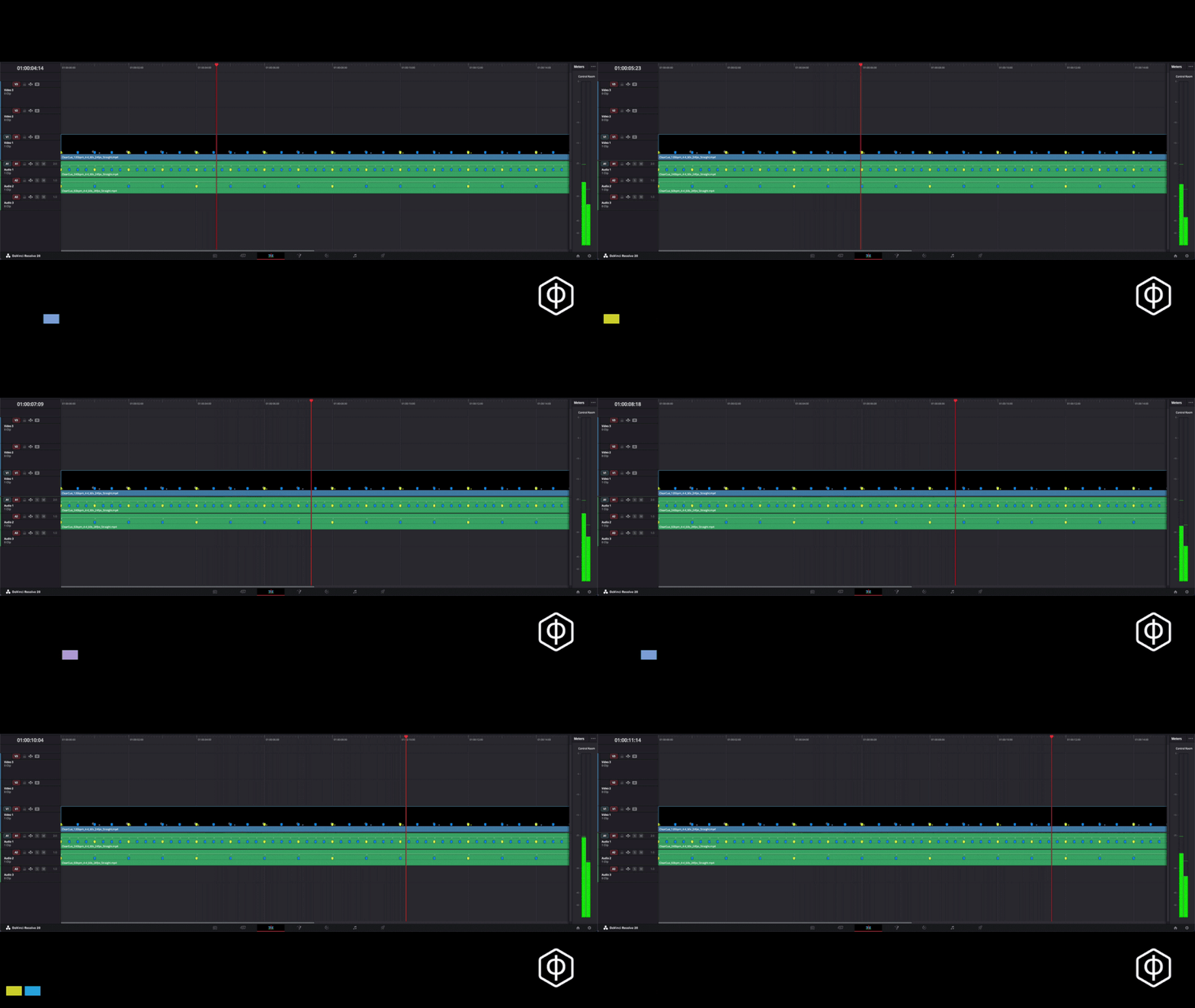
Use the clocks to build quickly. Then remove, adapt, and refine by feel.
LEARN MORETry it in your own edit.
Create a free account.
Export your first 5 timing clocks for Resolve free.
CREATE FREE ACCOUNTYour creative decisions should stay yours.
ClearCue makes hidden timing relationships visible.
You decide what to do with them.
Explore the thinking behind ClearCue.
Why this matters →Follow the Practice
Get new ClearCue workflows, editing experiments, and product updates.