Frame-Accurate Timing on Your Timeline
Create frame-accurate timing clocks and place them directly on your timeline to edit to or against.
Build Faster. Then Make It Yours.
Use TimeObjects as temporary timing scaffolds for your rough cut, then remove, adapt, or break from them as the edit develops.
Choose Your Timing
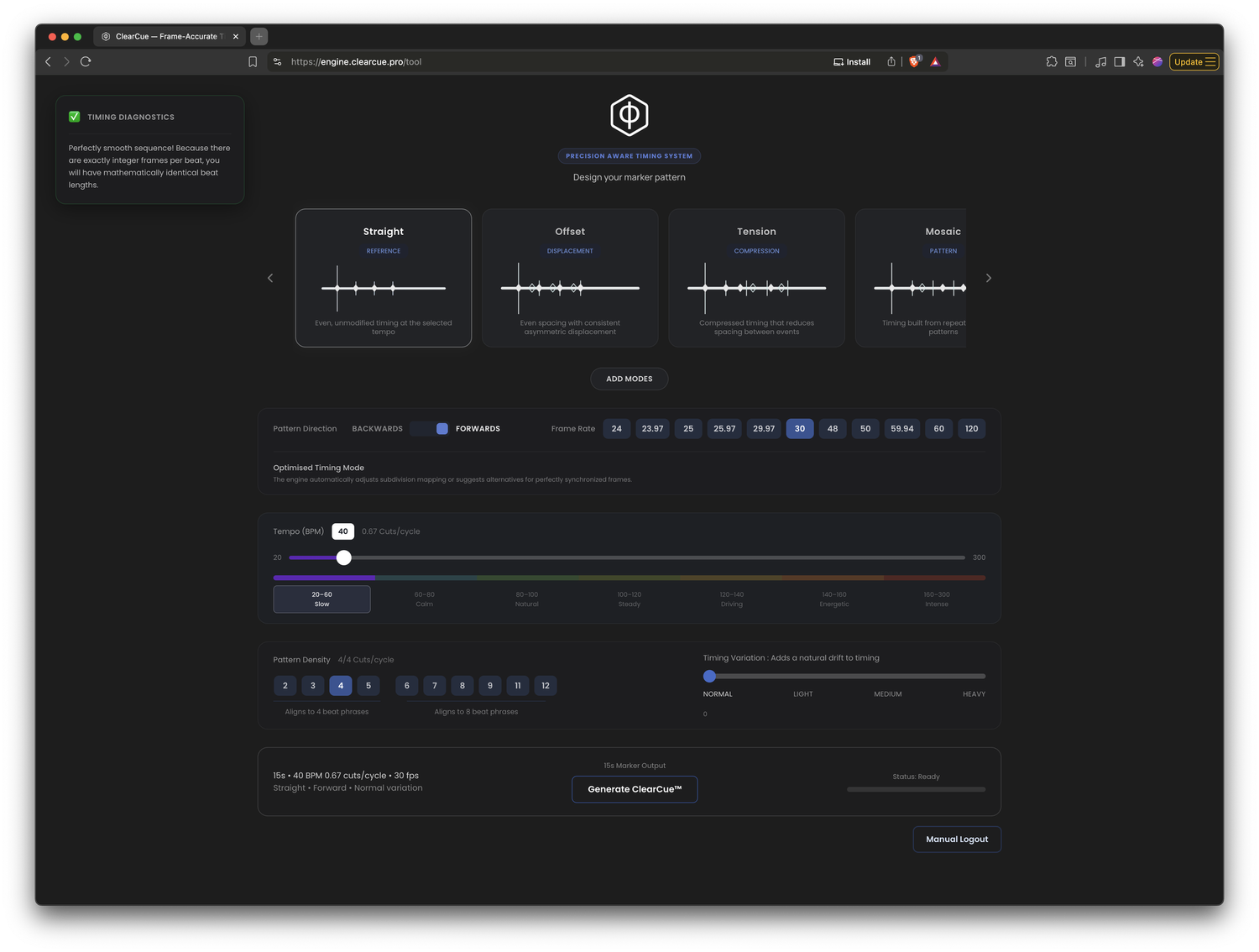
Set the tempo, pattern and timing behaviour you want to use.
Create the Clock
Turn it into a frame-accurate visual clock with markers for Resolve.
Build, Then Refine
Use the clocks to shape a rough cut quickly, then remove or adapt them and refine the edit by feel.
Ways to Use a Clock
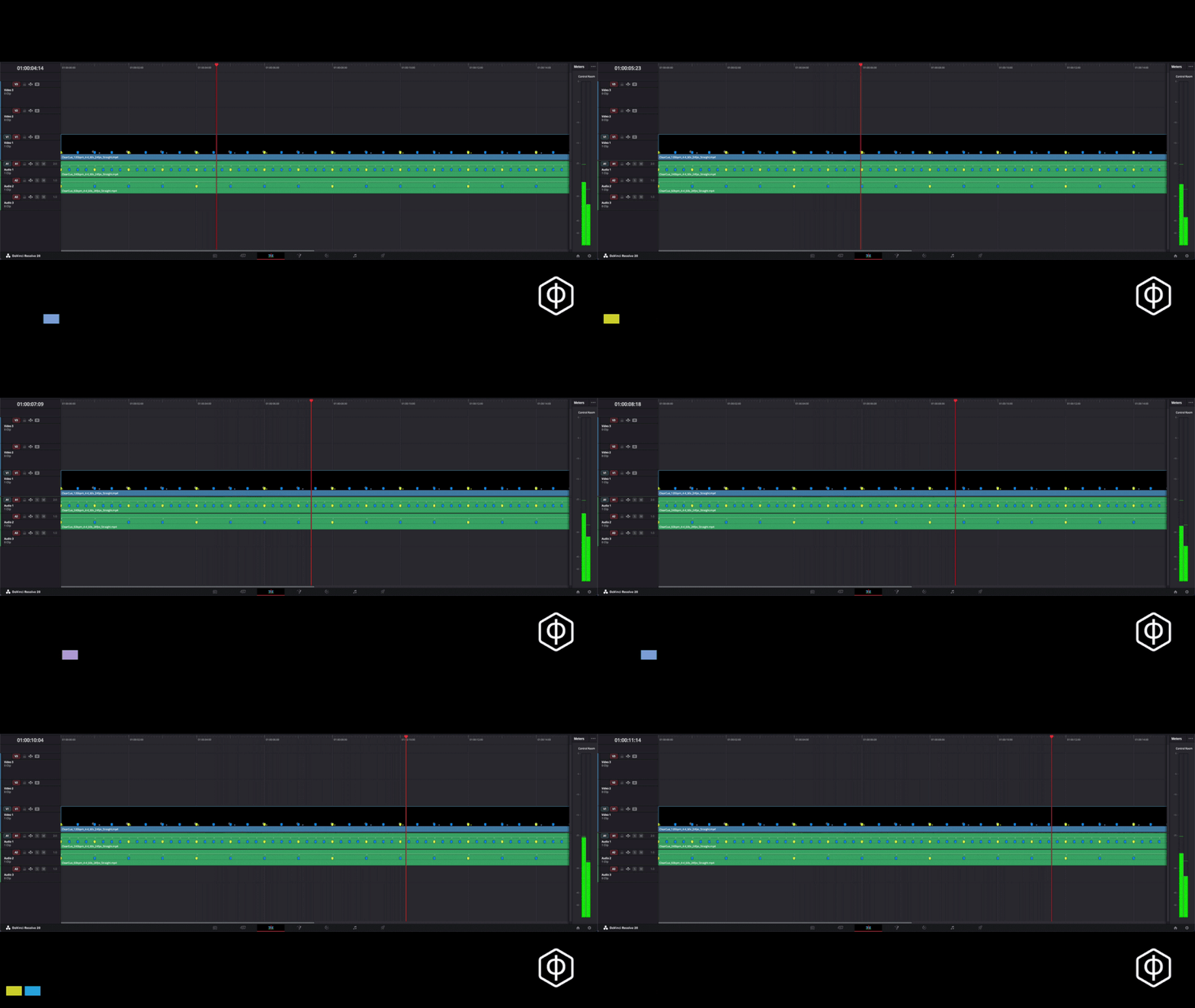
Structure
Use a clock to establish a clear timing framework.
Layer
Stack different clocks for cuts, motion, music or keyframes.
Contrast
Let different timing structures interact rather than forcing everything onto one rhythm.
Break
Move away from the clock deliberately when the work needs tension, emphasis, or change.
Orient
Keep a visible timing reference on the timeline so you always know where you are within the structure.
Emphasise
Use clock points to place cuts, gestures, sounds, movement, or keyframes precisely.
Repeat
Reuse the same timing structure across sections, sequences or edits.


Works Everywhere
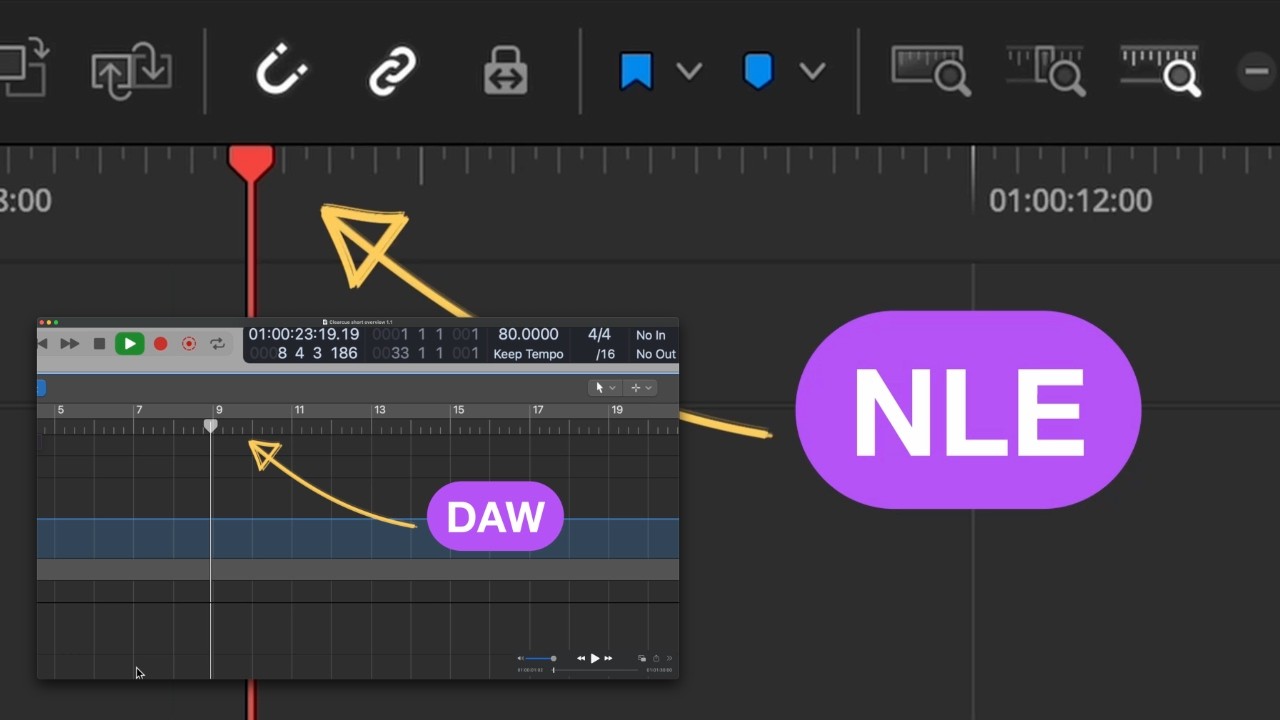
ClearCue clocks are frame-accurate visual timing guides. In Resolve, markers are included with the clock. In other NLEs, you can place markers directly from the visible clock transient.
Make Timing Visible
Try it in your own edit.
Create a free account. Export your first 5 timing clocks for Resolve for free.
Need more? Buy credits - only pay for what you use.
CREATE FREE ACCOUNTFollow the Practice
Get new ClearCue workflows, editing experiments, and product updates.
We respect your privacy.