Timing Notes • Video Editing Workflow • Timing Systems
Why Beat Detection Isn't Enough
Beat detection is widely used in video editing to align cuts to music.
It helps speed up alignment and can work well with clearly rhythmic material.
But it does not solve the core timing problem in editing.
This is because beats are not a pacing structure…
This article outlines what beat detection does, where it fails, and why relying on it produces fragile edits.
What Beat Detection Does
Beat detection identifies:
repeating audio transients
regular pulse
tempo consistency
It exposes these as:
markers
grids
sync points
This is functional, but reactive.
Why Beat Detection Is Less Reliable Than a Timing Reference
Beat detection attempts to infer structure from audio.
This introduces variability:
transient ambiguity
processing artefacts
performance drift
inconsistent phrasing
Results depend on the signal.
ClearCue Uses a Fixed Timing System
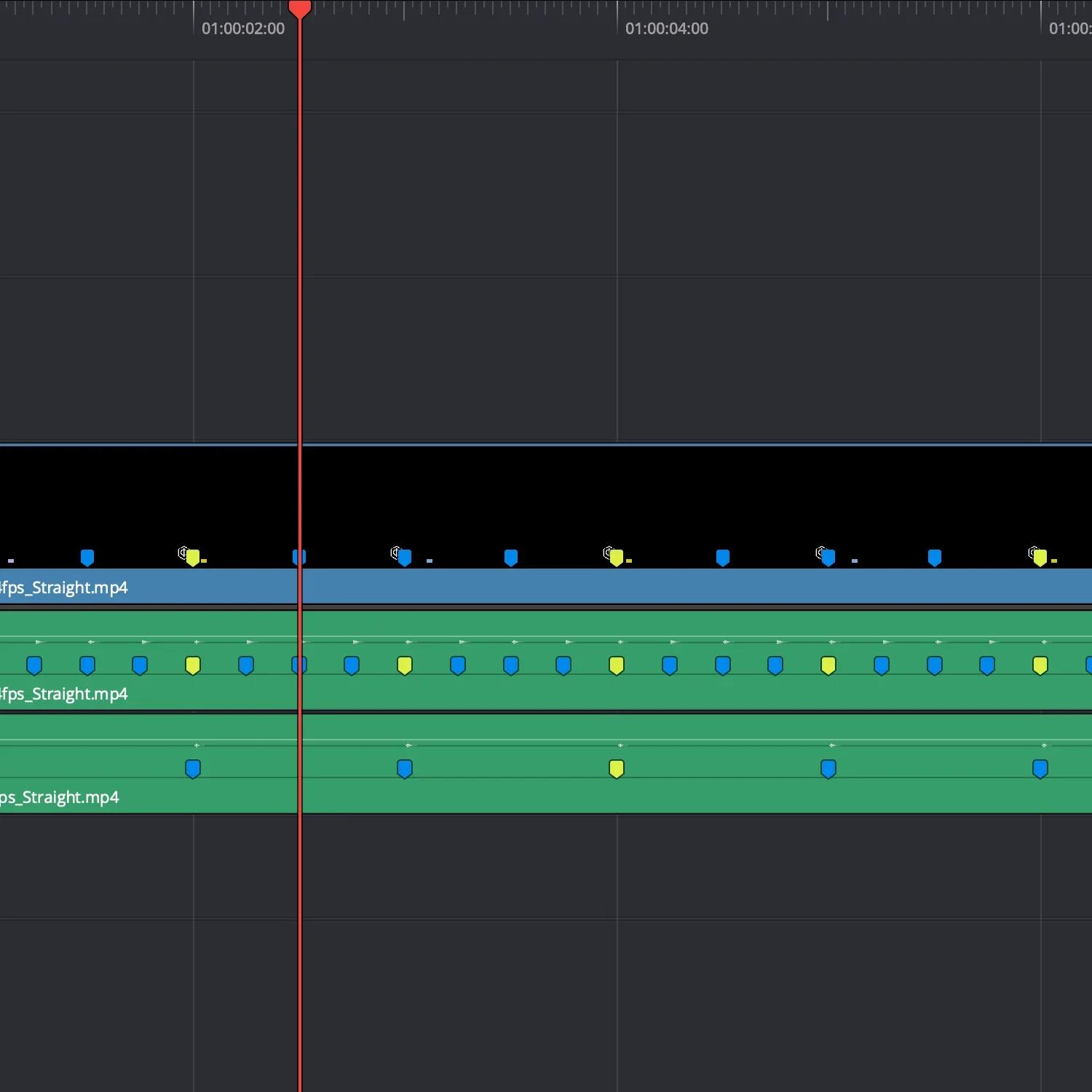
ClearCue generates timing from defined parameters:
tempo
time signature
subdivision
This produces a stable reference grid.
The grid does not change based on audio.
It remains consistent across the entire timeline.
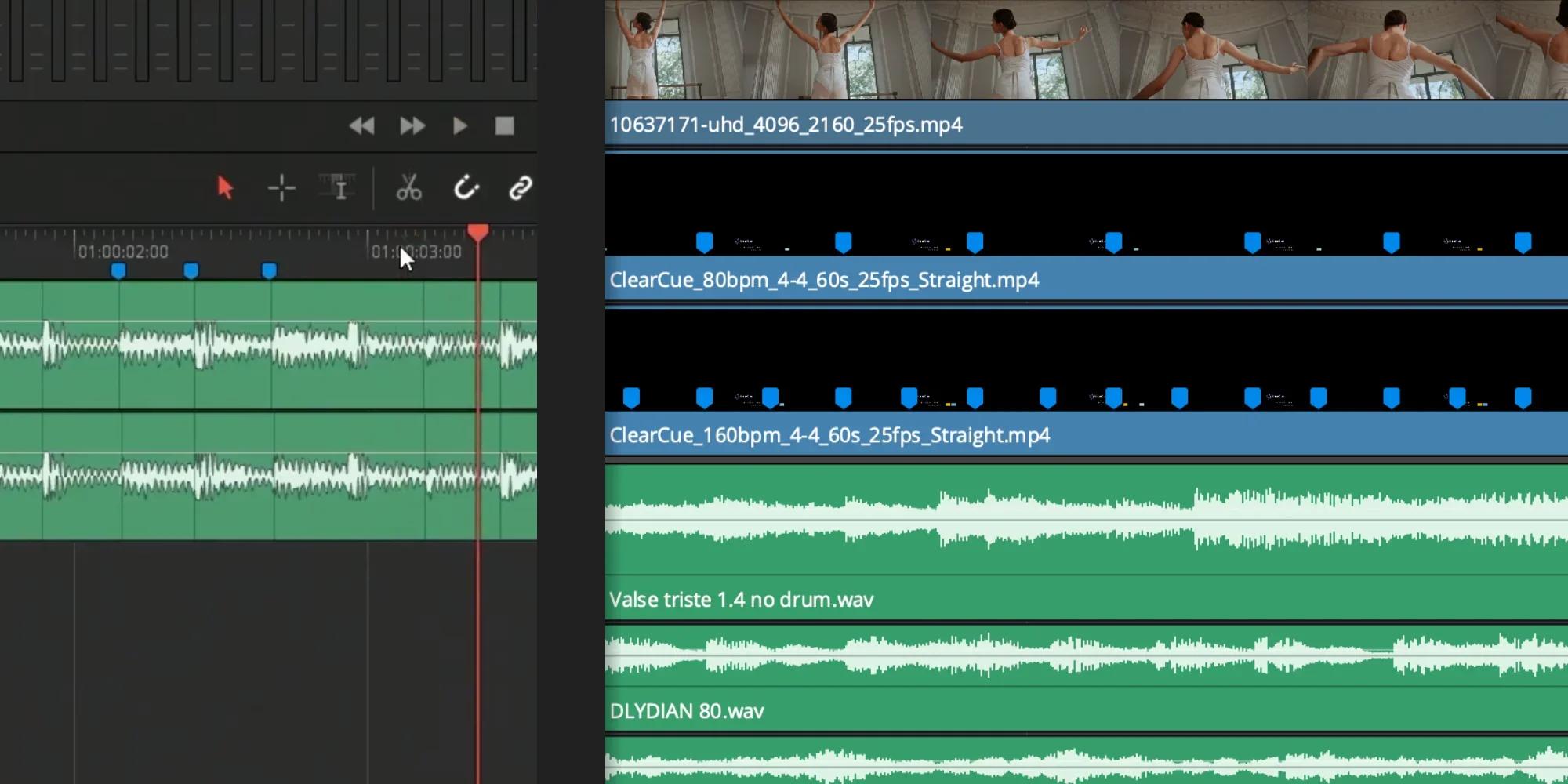
Revealing Where Audio Deviates
Because the timing reference is fixed, audio can be evaluated against it.
This makes drift visible:
live performance variation
swing or human feel
time-stretching artefacts
mastering or encoding shifts
Instead of guessing where beats are, you see:
where audio aligns
where it leads or lags
how consistent the track actually is
This is not detection.
It is measurement.
Any Track Can Be Mapped Without Analysis
To understand the structure of a piece of music:
select tempo
select time signature
generate the timing grid
No analysis step is required.
The grid provides:
bar positions
beat positions
subdivisions
This applies regardless of genre or texture.
Beat Detection vs Timing System
Beat detection:
derives structure from audio
varies with signal quality
struggles with non-percussive material
ClearCue:
defines structure independently
applies consistently to any material
reveals deviations instead of hiding them
Beats Are Not Decisions
A beat is a timestamp, not a judgement.
It does not answer:
how long a shot should hold
whether information has landed
when attention shifts
where variation is required
Beat detection shows when something happens.
It does not determine whether it should.
Why Beat-Based Edits Become Rigid
When edits are built directly on beats:
structure inherits the track
cuts become predictable
changes become expensive
swapping music breaks pacing
The result works under one condition:
The original track remains unchanged.
Where Beat Detection Works — and Where It Doesn’t
Beat detection performs well when
music is percussive
tempo is stable
transients are clear
It struggles when:
music is ambient
phrasing is fluid (rubato)
textures are sparse or evolving
timing is intentionally irregular
Large classes of music do not provide reliable anchors.
Video Pacing Is Not Musical Phrasing
Music is structured around:
bars
phrases
repetition
Video pacing is structured around:
attention
information density
visual change
perceptual thresholds
The systems overlap, but they are not equivalent.
Why Beat Detection Increases Cognitive Load
Beat-based workflows often lead to:
repeated micro-adjustment
looping sections to judge alignment
over-tuning sync
second-guessing timing decisions
The editor shifts from designing pace to chasing perception.
Beat Detection Enters Too Late
Beat detection is typically applied
after music selection
after emotional direction is set
after the initial structure has formed
At that stage, structural changes are costly.
What’s Missing: A Neutral Timing Reference
Beat detection cannot provide:
timing without audio
structure before emotion
pacing independent of mood
a reference that survives change
This gap is where most timing problems originate.
ClearCue’s Role
ClearCue is not a beat tool.
It provides:
frame-accurate timing references
visual pacing without sound
structural feedback before music
a neutral basis for placement decisions
Music can still be added.
Beat detection can still be used.
But structure no longer depends on either.
Beat Detection Becomes Secondary
In a structure-first workflow:
beat tools assist
they do not define structure
sync is optional
pacing is intentional
Control returns to the editor.
Comparison
Beat detection answers:
Where are the beats?
ClearCue answers:
Does this pacing work?
They address different problems.
Conclusion
Beat detection is useful, but it’s limited.
It:
reacts to audio
inherits structure
reduces flexibility
Designing pace requires:
neutral timing
visible structure
perceptual validation
Without that, timing decisions remain dependent on external material.
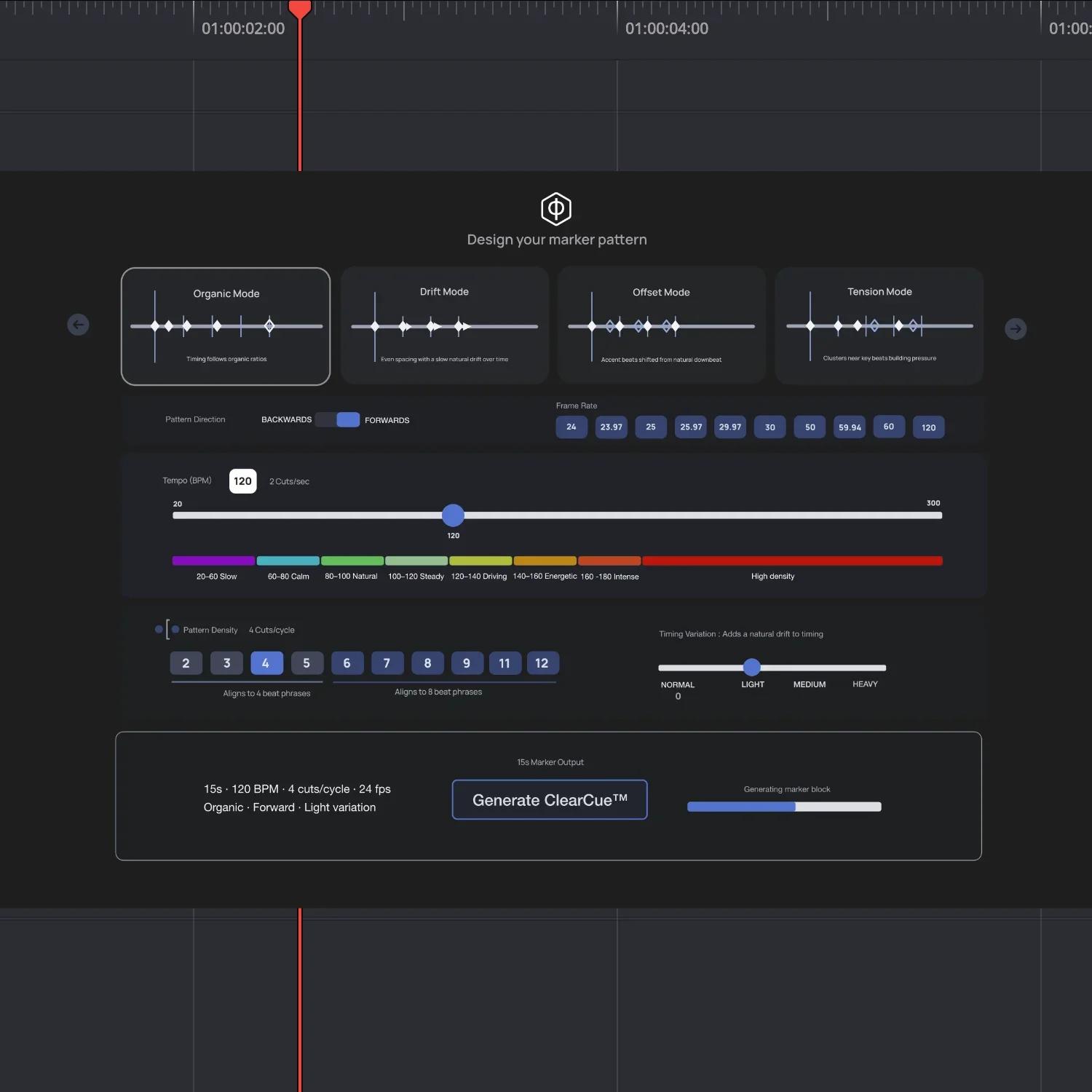
Create Your Own Marker Patterns
Define timing before you edit.
Generate frame-accurate marker patterns using tempo, time signature, and subdivision.
Use them as a reference layer in your timeline to establish structure before working with audio.
Try Free Markers
Download a set of simple timing markers.
Use them to:
- place cuts without guessing
- test pacing quickly
- establish structure before adding music